scene prompts
ai creative studioUse scene prompts after you have an approved full-body reference. Keep the bear locked and change only the setting, action, and mood.
how to use this page
- 1
attach the approved reference
Use the full-body bear or turnaround sheet that already passed review. Do not start scenes from a failed conversion.
- 2
copy the template or recipe
Start with the general scene template for custom ideas, or copy a ready-made coffee, breakfast, or goodnight prompt.
- 3
change one scene variable
Swap the action or setting, but keep the identity lock unchanged. A good scene prompt changes the moment, not the bear.
- 4
review before generating more
If the first scene changes the face, ears, outfit, or proportions, repair it before making a batch of scenes.
repeat the identity rules every time
Do not rely on the model remembering the previous image. Paste the identity lock into every scene prompt, especially when changing environment, camera angle, clothing, or object interaction.
base template
Use this when you want to create your own scene. Replace the bracketed text, but keep the identity rules intact.
general scene template
TASK:
Create a new image using the provided reference image as the only source of truth.

CORE RULE - IDENTITY LOCK:
The character must remain 100% identical to the reference image.

Preserve exactly:
- Face shape and structure
- Facial expression
- Eye shape, size, placement, and color
- Nose and mouth design
- Ear or head-feature shape, including any asymmetry
- Body proportions and silhouette
- Colors, textures, outlines, and visual weight
- Original art style consistency

Do not:
- Redesign the character
- Simplify or stylize differently
- Fix asymmetry
- Add or remove defining features

SCENE:
[Describe the scene in one sentence.]

ENVIRONMENT:
- [Lighting]
- [Background simplicity]
- [Mood]

ACTION:
- [What the character is doing]
- [Pose or gesture]

STYLE:
Keep the same cartoon style. Keep the background simple so the character remains the focus.
morning scene recipes
These are ready to copy. They are intentionally narrow so the model focuses on the bear and one simple action.
morning coffee by window
TASK:
Create a new image using the provided reference image as the only source of truth.

CORE RULE - IDENTITY LOCK:
The character must remain 100% identical to the reference image.

Preserve exactly:
- Face shape and structure
- Facial expression
- Eye shape, size, placement, and color
- Nose and mouth design
- Ear or head-feature shape, including any asymmetry
- Body proportions and silhouette
- Colors, textures, outlines, and visual weight
- Original art style consistency

Do not:
- Redesign the character
- Simplify or stylize differently
- Fix asymmetry
- Add or remove defining features

SCENE:
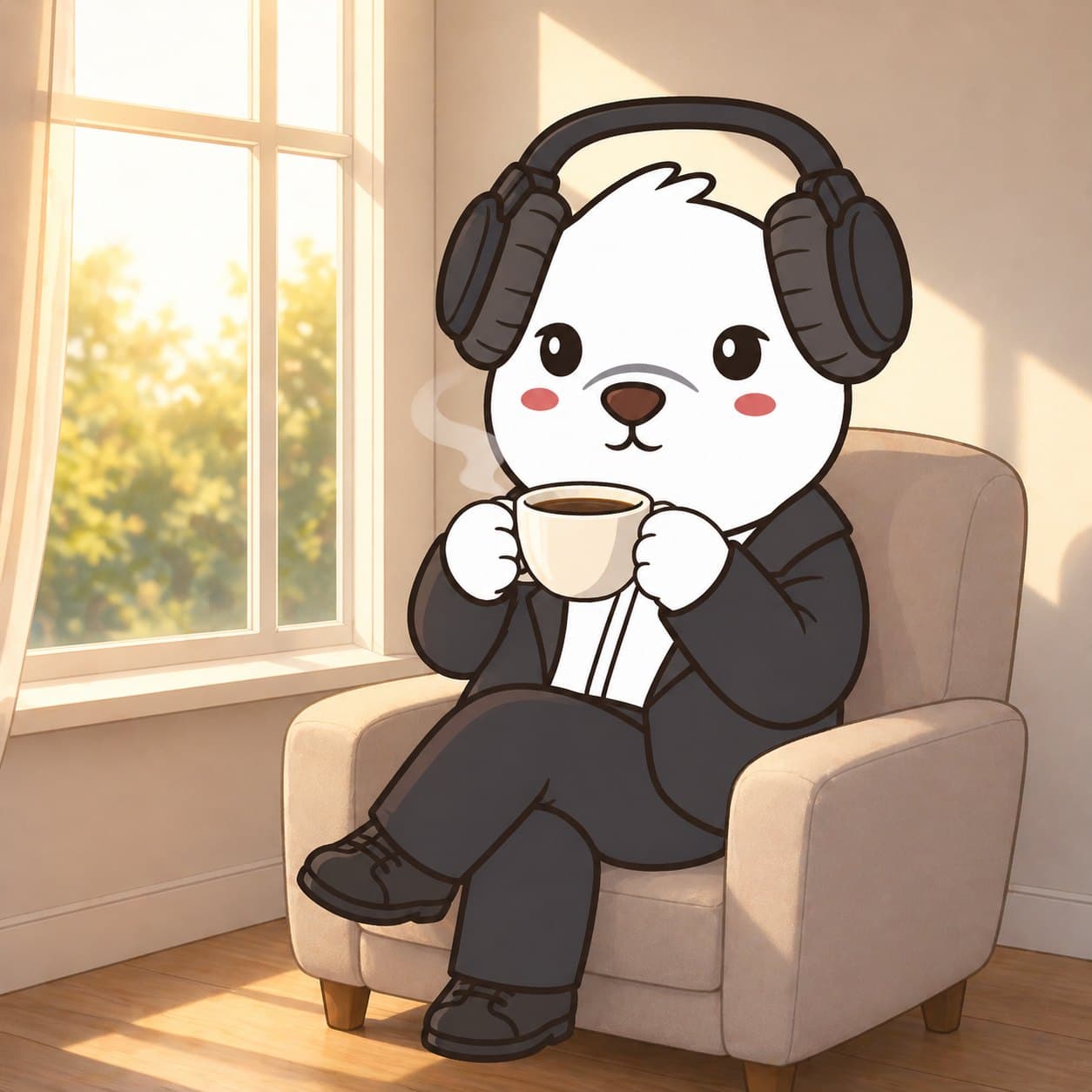
The bear is sitting by a window in the early morning, holding a warm cup of coffee.

ENVIRONMENT:
- Soft sunlight coming through the window
- Minimal background details
- Calm and peaceful atmosphere

ACTION:
- [What the character is doing]
- [Pose or gesture]

STYLE:
Keep the same cartoon style. Keep the background simple so the character remains the focus.
walking with coffee
TASK:
Create a new image using the provided reference image as the only source of truth.

CORE RULE - IDENTITY LOCK:
The character must remain 100% identical to the reference image.

Preserve exactly:
- Face shape and structure
- Facial expression
- Eye shape, size, placement, and color
- Nose and mouth design
- Ear or head-feature shape, including any asymmetry
- Body proportions and silhouette
- Colors, textures, outlines, and visual weight
- Original art style consistency

Do not:
- Redesign the character
- Simplify or stylize differently
- Fix asymmetry
- Add or remove defining features

SCENE:
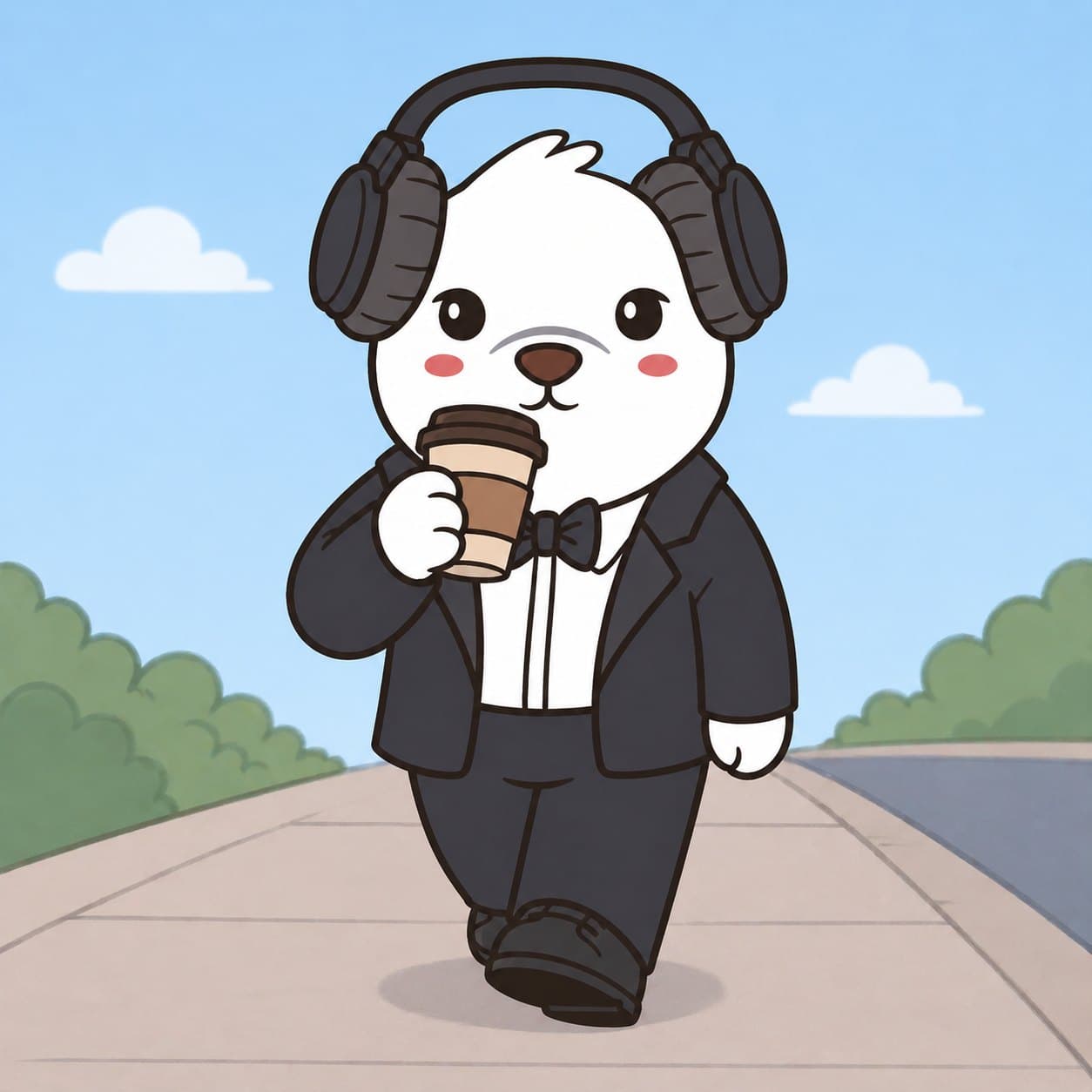
The bear is walking while casually drinking coffee.

ENVIRONMENT:
- Simple outdoor path or sidewalk
- Minimalist background
- Clear daytime lighting

ACTION:
- [What the character is doing]
- [Pose or gesture]

STYLE:
Keep the same cartoon style. Keep the background simple so the character remains the focus.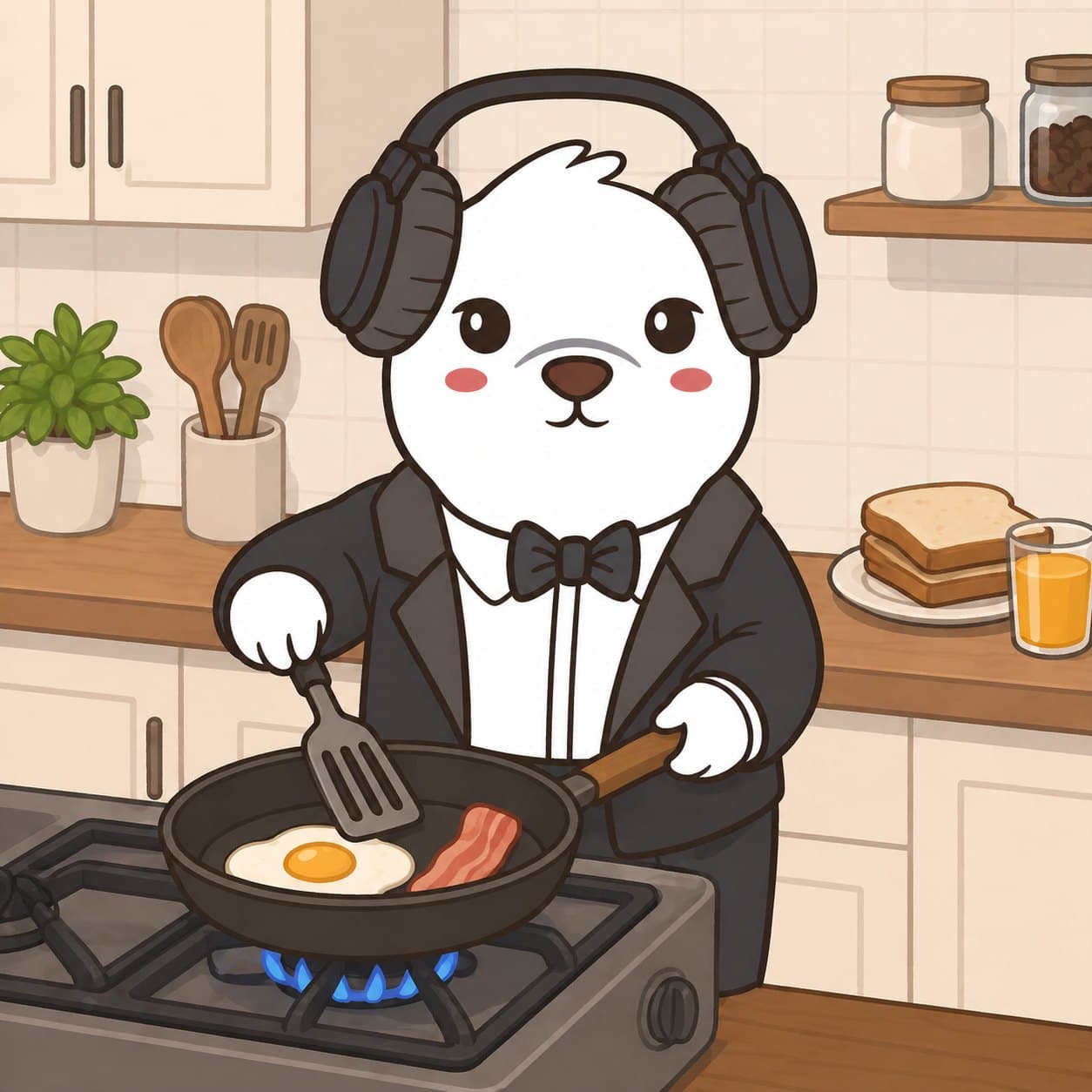
home scene recipes
Use these once your coffee scenes are staying consistent. More props means more chances for drift, so keep the background simple.
cooking breakfast
TASK:
Create a new image using the provided reference image as the only source of truth.

CORE RULE - IDENTITY LOCK:
The character must remain 100% identical to the reference image.

Preserve exactly:
- Face shape and structure
- Facial expression
- Eye shape, size, placement, and color
- Nose and mouth design
- Ear or head-feature shape, including any asymmetry
- Body proportions and silhouette
- Colors, textures, outlines, and visual weight
- Original art style consistency

Do not:
- Redesign the character
- Simplify or stylize differently
- Fix asymmetry
- Add or remove defining features

SCENE:
The bear is cooking breakfast at a stove.

ENVIRONMENT:
- Simple kitchen background
- Warm morning lighting
- Clean uncluttered counter space

ACTION:
- [What the character is doing]
- [Pose or gesture]

STYLE:
Keep the same cartoon style. Keep the background simple so the character remains the focus.
goodnight
TASK:
Create a new image using the provided reference image as the only source of truth.

CORE RULE - IDENTITY LOCK:
The character must remain 100% identical to the reference image.

Preserve exactly:
- Face shape and structure
- Facial expression
- Eye shape, size, placement, and color
- Nose and mouth design
- Ear or head-feature shape, including any asymmetry
- Body proportions and silhouette
- Colors, textures, outlines, and visual weight
- Original art style consistency

Do not:
- Redesign the character
- Simplify or stylize differently
- Fix asymmetry
- Add or remove defining features

SCENE:
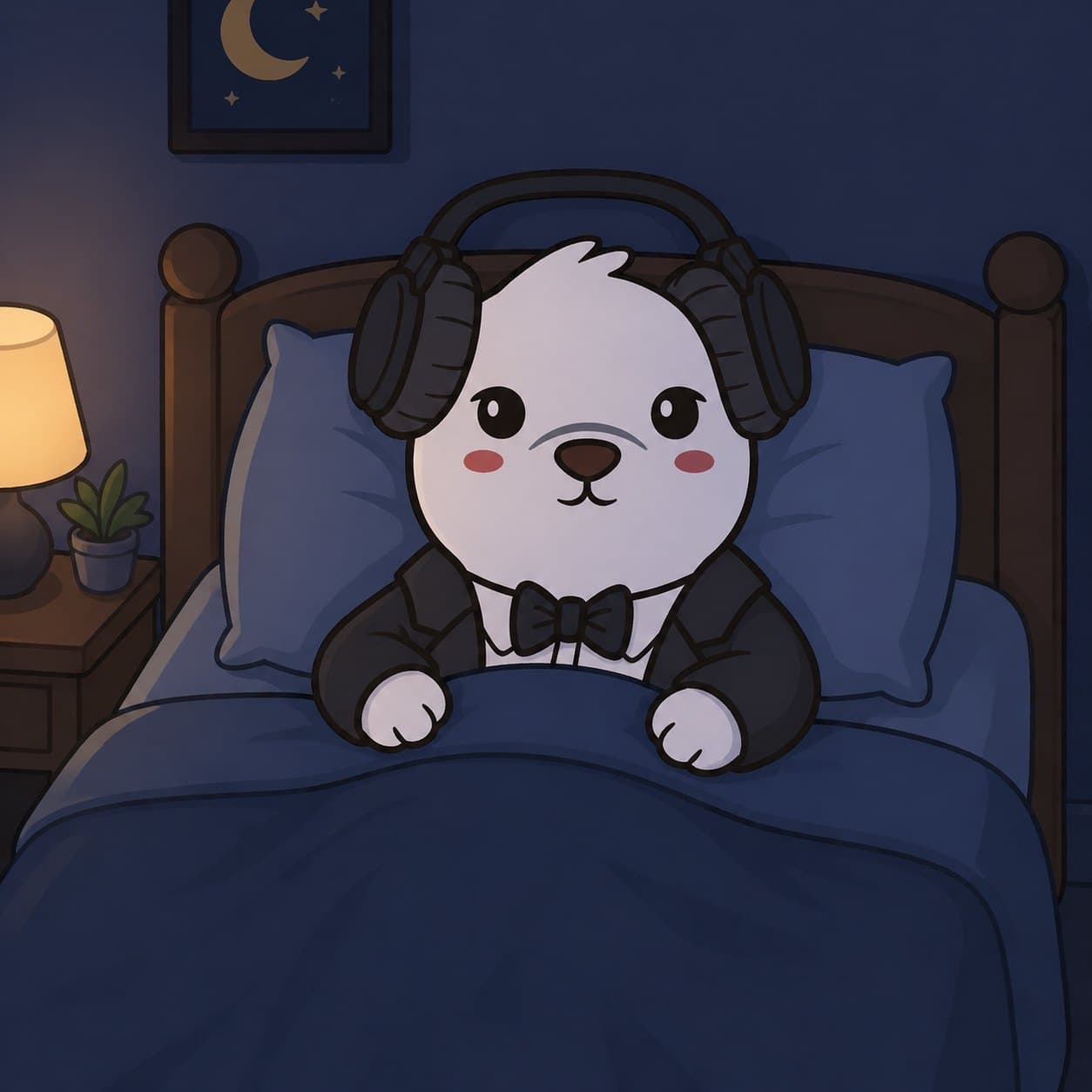
The bear is lying in bed getting ready to sleep.

ENVIRONMENT:
- Soft nighttime lighting
- Minimal bedroom setting
- Cozy calm mood

ACTION:
- [What the character is doing]
- [Pose or gesture]

STYLE:
Keep the same cartoon style. Keep the background simple so the character remains the focus.
cleanup pass
Use the style recreation prompt when the composition is right but the render looks noisy, blurry, or less polished than the reference. Do not use it to redesign the bear.
clean 4K-8K style recreation
TASK:
Recreate the provided reference image in an ultra-clean, high-definition cartoon style while preserving the original composition, character identity, and scene.

CORE RULE - VISUAL IDENTITY LOCK:
The image must remain 100% faithful to the reference.

Preserve exactly:
- Character design, face shape, eyes, proportions, and expression
- All objects and their placement
- Scene composition and camera angle
- Pose, gesture, and positioning
- Key environment elements

Do not:
- Redesign or reinterpret
- Add or remove objects
- Change proportions or layout
- Stylize differently

STYLE UPGRADE:
- Ultra-smooth linework with crisp, consistent stroke weight
- Flat color with soft gradient shading only where appropriate
- Clean color fills with no noise, grain, or texture artifacts
- Soft ambient lighting
- Balanced contrast and polished color grading
- Perfect edge clarity

CLEANLINESS FILTER:
Remove noise, film grain, compression artifacts, dirty textures, blur, and smudging.

OUTPUT:
Make it sharp, clean, polished, and animation-ready.
next step
If a scene looks close but one detail is wrong, repair that one detail before generating more variations.