ai creative studio
public guideStart here if you want to turn one Bearish reference image into a reusable character asset: full body, camera angles, scene images, and repair prompts that keep the same identity.
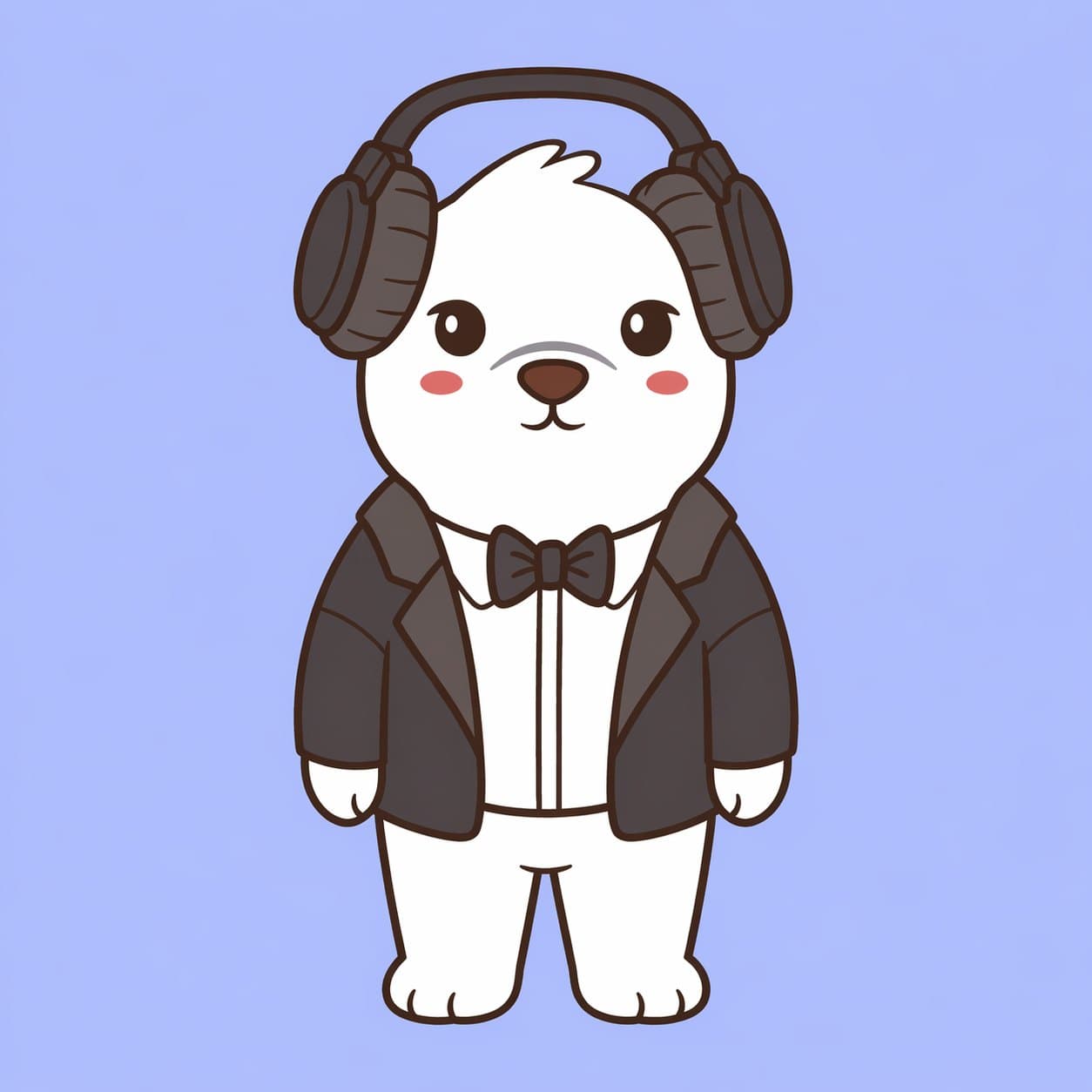
what this section helps you make
The AI Creative Studio is organized around a practical end-user flow. First make the character usable, then make it reusable, then make content from it.
step 1
character conversion
Turn a cropped or portrait-style bear into a full-body front-facing character.
step 2
turnaround sheets
Create a 10-angle reference sheet once the full-body version is approved.
step 3
scene prompts
Use the approved character to create coffee, breakfast, goodnight, and other daily content scenes.
step 4
image to gif
Turn approved stills into looping gifs and short videos with ChatGPT, Grok Imagine, and Canva.
repair
troubleshooting
Fix drifted ears, accessories, clothing, proportions, style, or unwanted props.
the core rule
Do not treat image generation as a loose art request. Treat the prompt as a control system. The model should not be asked to invent a new bear. It should be forced to preserve the original identity and only extend the missing parts.
This matters because Bearish characters have small identity details that drift easily: ear shape, hair tufts, face placement, headphones, clothing edges, line weight, and chibi proportions.
use a clean workspace
Use a dedicated ChatGPT project or a clean chat for Bearish IP work. Upload the reference image, keep the prompts nearby, and remind the model that the reference image is the only source of truth. If a chat starts drifting after several attempts, restart with the approved reference and the same prompt.
recommended workflow
- 1
pick the best reference
Use a clear front-facing or mostly front-facing bear with visible face, outfit, accessories, colors, and simple lighting.
- 2
lock identity first
Paste the identity lock before asking for full body, camera angles, scenes, or cleanup. This prevents the model from redesigning the bear.
- 3
make the full-body version
Generate a head-to-toe character with short, compact, chibi-like proportions and a logical outfit continuation.
- 4
approve or repair
Check the face, ears, accessories, clothing, proportions, and style. Fix one issue at a time before moving forward.
- 5
create reusable references
Once the front-facing full body works, create a turnaround sheet so future scene prompts have more camera context.
- 6
make scenes from the approved asset
Use the full-body reference or angle sheet for daily scenes, GIF frames, and content prompts. Change the scene, not the bear.
master identity lock
TASK:
Use the provided reference image as the only source of truth.

CORE RULE - IDENTITY LOCK:
The character must remain 100% identical to the reference image.

Preserve exactly:
- Face shape and structure
- Facial expression
- Eye shape, size, placement, and color
- Nose and mouth design
- Ear or head-feature shape, including any asymmetry
- Body proportions and silhouette
- Clothing, accessories, colors, textures, outlines, and visual weight
- Original art style, line thickness, and rendering quality

Do not:
- Redesign the character
- Simplify the character
- Stylize it differently
- Fix asymmetry
- Add or remove defining features
- Introduce new lighting, rendering, or texture styles
start with conversion
If you are unsure where to begin, start with character conversion. Do not create scenes until the full-body character passes the acceptance checklist.